Free Japanese Flashcard App
Build a Japanese vocabulary habit that actually sticks — 11,840 words, 10 minutes a day, progress saved in your browser. No account needed.
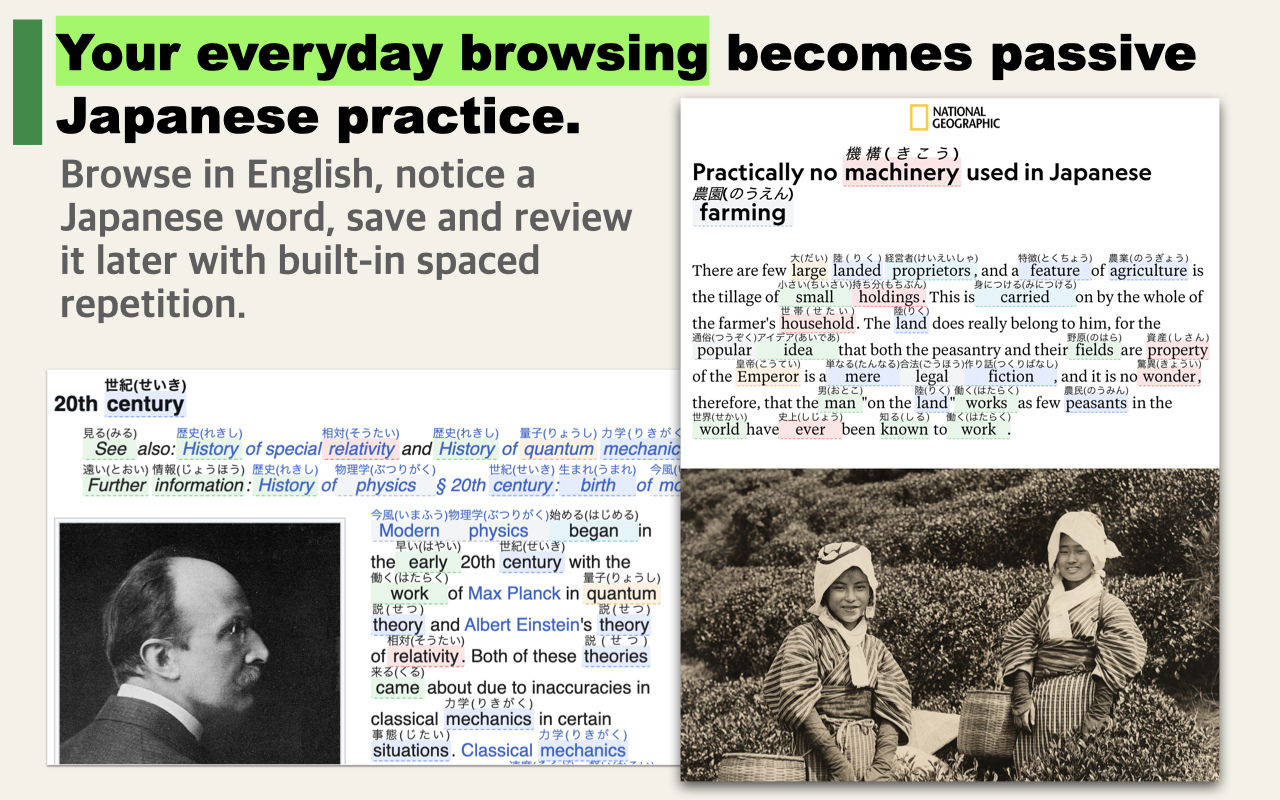
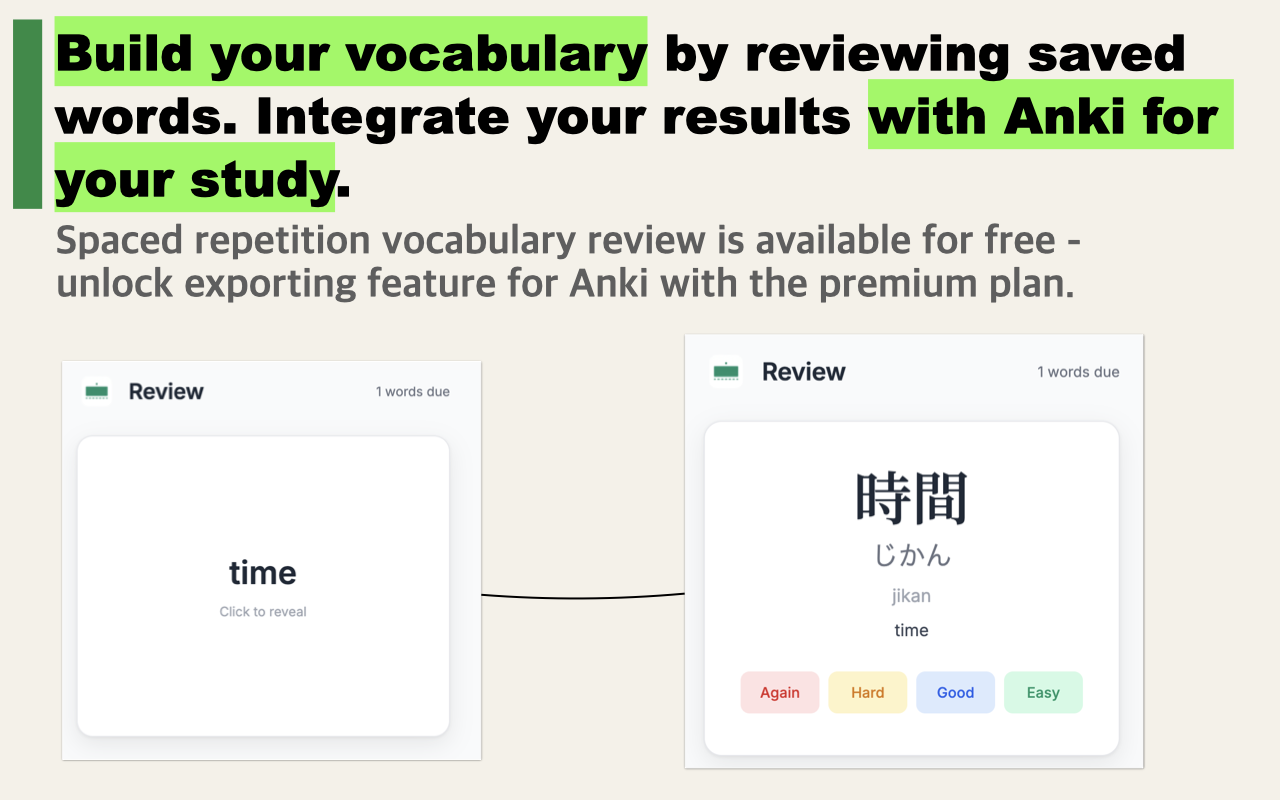
How it works: See a word, try to recall the meaning, flip to check — then rate yourself. The app decides when to show it again.
Study Settings
Word categories
JLPT levels
Import from Immerse Japanese
Export your saved vocabulary from Immerse Japanese PRO (paid tier — Settings → Anki Export), then import the .txt file here to add those words to your flashcard deck.
0 / 0
Click card or press Space to reveal
Deck breakdown
Reviews — last 14 days
Questions
Will my progress be saved?
Yes — your deck and review history are saved in your browser's localStorage. Progress persists across visits as long as you don't clear your browser data. There is no account or server — everything stays on your device. Note: progress is device-specific; if you use a different browser or device, your streak and card intervals won't carry over.
What vocabulary is in the built-in deck?
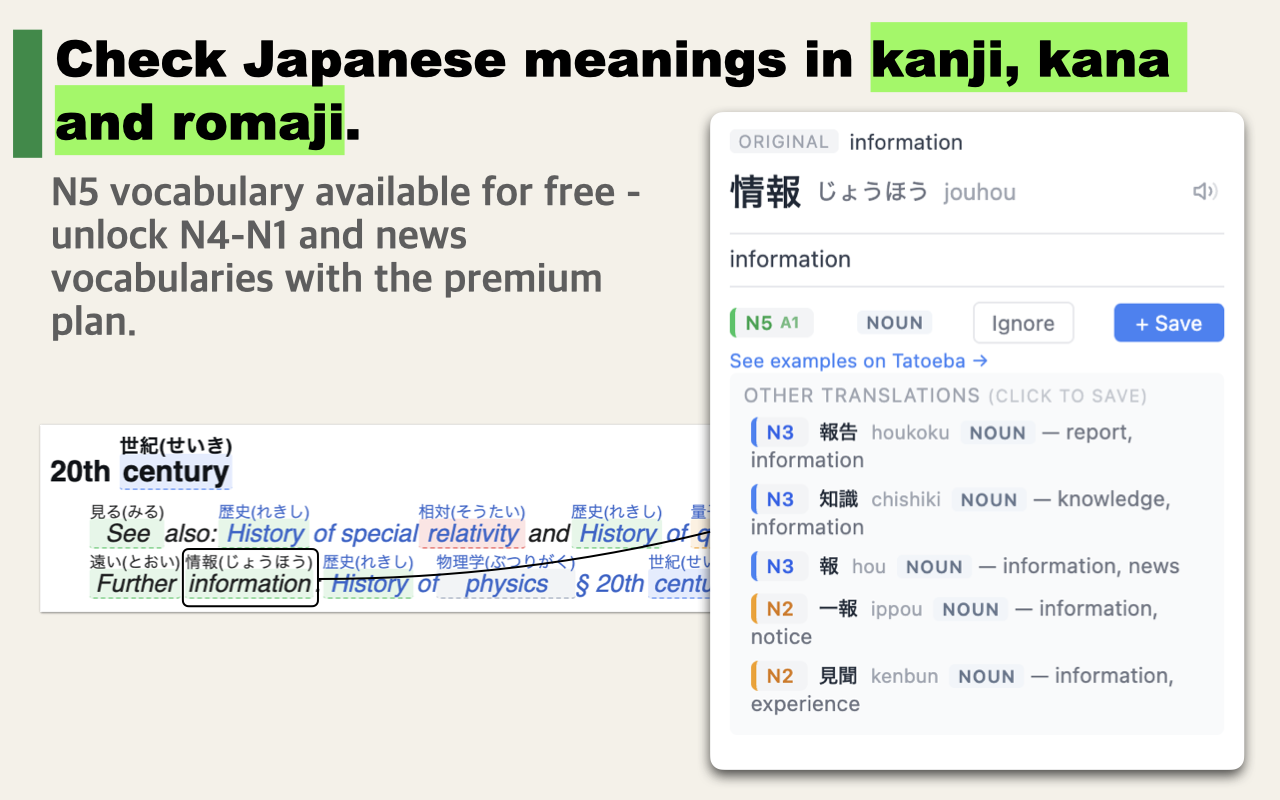
The deck contains 11,840 JLPT-tagged Japanese words: nouns, verbs, adjectives, and adverbs that appear in Japanese news, fiction, and everyday speech. It covers N5 through N1, plus CA (Current Affairs — high-frequency vocabulary common in real Japanese but not on the official JLPT curriculum). These words only appear in Japanese-language content, so they cannot be learned from English-language study materials alone.
How does the scheduling work?
After you flip a card, you rate how well you remembered it: Again, Hard, Good, or Easy. The app uses that rating to decide when to show the card again. Rate a word "Easy" and it might not come back for two weeks. Rate it "Again" and it reappears tomorrow. This is the same method used by Anki — it's designed so you spend the least possible time reviewing words you already know.
How do I import words from Immerse Japanese?
Immerse Japanese PRO (paid tier) lets you export your encountered vocabulary as an Anki-format file. Open the extension, go to Settings → Anki Export. Then use the Import section on this page to load that .txt file. Your words will be added to your flashcard deck alongside the built-in vocabulary.
Related tools: Onomatopoeia Quiz · Expressions Quiz · JLPT Vocabulary Quiz